October 2, 2026 · 6 min read
Geo Guessing Tips to Win More Rounds
My best Geo Guessing tips: read the photo before the map, spend the weekly hint on the right round, and post photos people love to guess.
657


GPS Doodle is the walking game where you place a shape on the map, the app fits it to real streets, and the line you walk becomes the drawing. At the end you get a match score from 0 to 100% for how close your line came to the shape. Anyone can finish a doodle. Getting a score you're proud to share takes a little thought, and that's what this post is about. If you want the rules first, the GPS Doodle game page covers how the game works. GPS Doodle is coming soon in the next app update for iPhone and Android, so think of this as a head start. If you'd rather plan a drawing by hand for any tracker, our GPS drawing walk ideas post is the one for you.
Every tip below comes from one fact: the match score compares your trail with the shape in both directions. It checks how close your line stays to the shape, and it checks how much of the shape your line covers. That second part is the one people miss. Walk half a heart perfectly and the half you walked matches nicely, but the half you skipped drags the score down. There's no shortcut to a high match. You have to walk the whole thing, and walk it close.
It also helps to know where the lines are. Before you walk, the fit shows Great match from 80% and Pretty close from 60%. After the walk, a match of 70% or better earns an extra 20 XP on top of the 40 XP for finishing.
Some shapes love some neighbourhoods. A regular street grid makes squares, houses and arrows easy, because the corners are already there. Curvy streets and crescents suit circles and hearts. A big park with lots of paths can fit almost anything, which makes it the best place for your first try.
So before you fall in love with a star, look at the streets you've got. If your area is a grid, start with a house or an arrow. If it's winding, try a circle. You'll get a higher match on your first doodle, and you'll learn how the fit thinks.
This is the tip that moves scores the most. Small shapes have fewer streets to work with, so the route has to cut corners, and cut corners cost you. Most shapes go from 1 km to 10 km, and a few need more room to look like themselves: hearts, lightning bolts and arrows start at 1.5 km, and stars, smileys and paws at 2 km.
Starting at the minimum is tempting because it's quicker. But bumping a heart from 1.5 km to 3 km often turns a "pretty close" into a "great match", because now there are enough streets to trace the curves properly. The readout on the map tells you roughly how long it will take at an easy pace, so you can size it to the time you have.
When the fit comes back rough, most people drag the shape somewhere else. Try twisting it first. Placing a shape works with your fingers: drag to move, pinch to resize and twist with two fingers to rotate. A small rotation lines a shape up with the street grid more often than sliding it to a new neighbourhood. A square that fits badly at an angle can fit beautifully once its sides run along the streets.
If you're still not happy, nudge it a little and tap Find a better fit. Fitting shapes to streets doesn't use a game start, so experiment as much as you like before you commit.
Once you're out, the Doodle tab on the walk shows your trail drawn over the shape, with a completion bar. Glance at it at every corner. It tells you straight away if you've wandered off the line, and it's much easier to fix a wrong turn after one block than after five.
When you do go wrong, resist the urge to improvise. Walking down a parallel street to "catch up" feels close enough, but the score measures how far your line sits from the shape, so a whole block of parallel street counts against you. Head back to the point where you left the line and pick it up from there. It costs a few minutes and saves the match.
The other classic mistake is the last corner. When you can see the start, it's tempting to cut across. The final stretch back to the start is part of the shape, and the score knows. Walk it all the way round, and when the app says the shape is walked, tap Complete to see your match.
Two more things that cost XP: a trail shorter than half the shape earns nothing, and so does a walk flagged for moving faster than walking pace. This is a walking game, so walk it.
The ten built-in shapes are a good start, but the best doodles are personal: a letter, a fish, a birthday cake for someone's big day. You can draw your own on the sketch pad and save it with a name of up to 24 characters. Custom shapes run from 1.5 km to 10 km, so give them the same room you'd give a heart. Simple outlines with clear corners fit streets far better than detailed sketches. The free plan has one custom slot and Premium has five.
On the free plan, each doodle walk uses one of your six weekly game starts, shared across all the games. Premium has no limit.
XP goes to the person who created the doodle walk, once per walk, but anyone walking with you can open the Doodle tab and watch the drawing appear. That makes a doodle one of the best excuses for a group walk: one person navigates, everyone else checks the line at the corners. When you're done, the walk report puts the shape next to what you drew, with a button to share it, and the walk's post in the feed shows your trail over a faint outline of the shape.
GPS Doodle is built for both iPhone and Android and is coming in the next Walk With Me update. Download the app now and it'll appear in your games menu when the update lands. The GPS Doodle game page has the rules, and the walking games hub has the rest of our games. Walk With Me is free on iOS and Android.
October 2, 2026 · 6 min read
My best Geo Guessing tips: read the photo before the map, spend the weekly hint on the right round, and post photos people love to guess.
October 2, 2026 · 7 min read
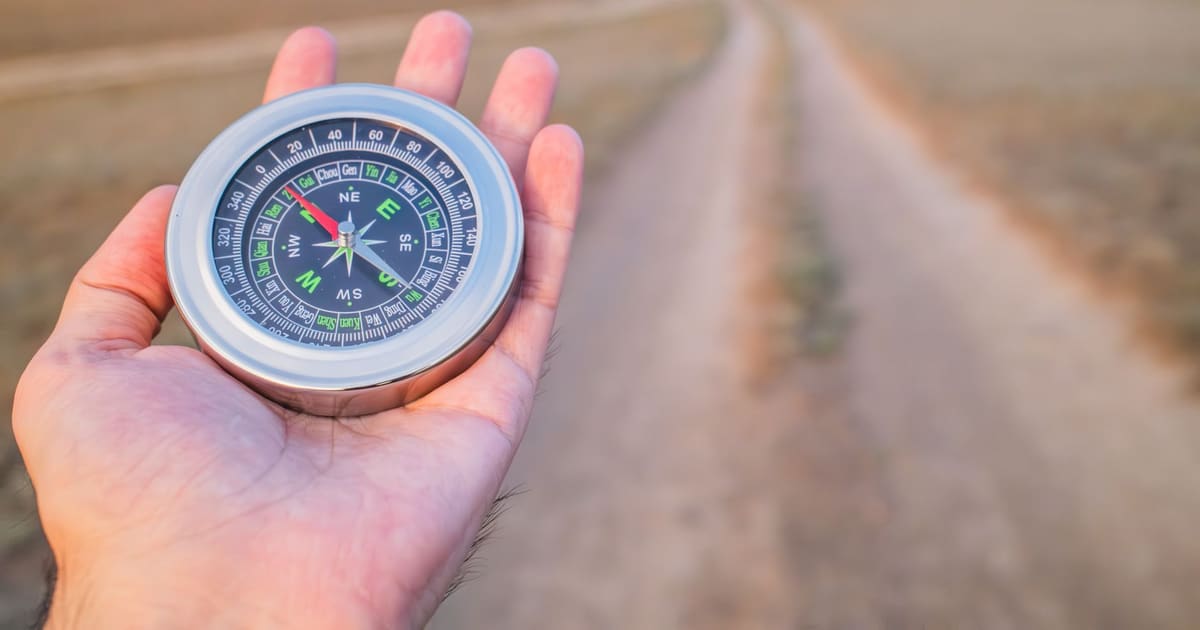
Mystery Destination is coming to Walk With Me. My tips for solving it faster: reading the compass, trusting the warmth bands and choosing where to start.
October 2, 2026 · 7 min read
Relay Baton is live in Walk With Me. My tips for a relay that finishes: picking a target you can reach, timing the hand-offs and never sitting on it.